
Wireless that just works — in every room, every floor, every device.
Most Wi-Fi problems aren't fixed by a better router. They're fixed by the right number of access points, in the right places, on the right channels — backed by cable that can actually carry the load.
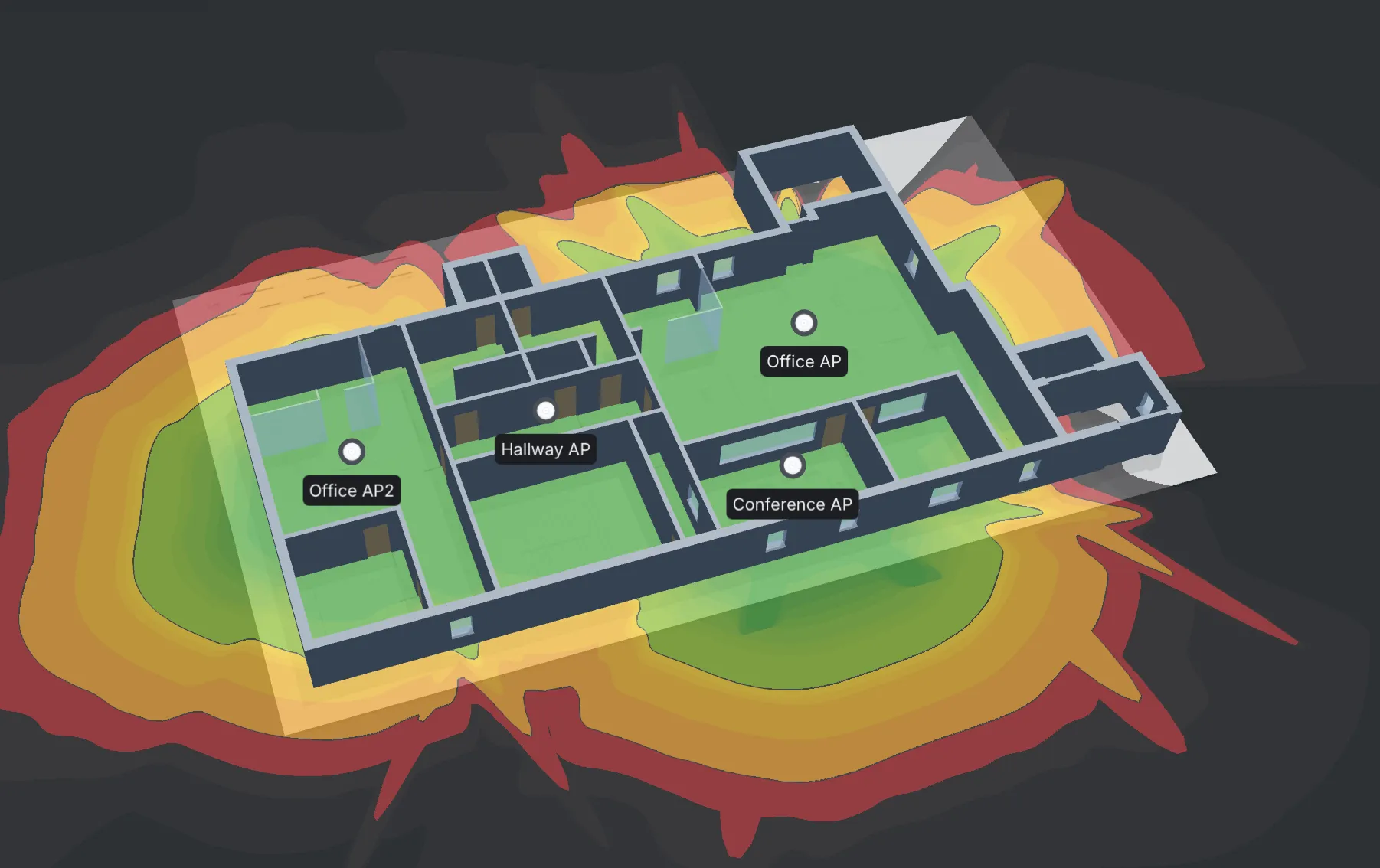
Every install starts with a coverage plan, not a box on a ceiling. We map signal strength room by room using UniFi's planning tools before any hardware goes up, so you get even coverage across every desk, meeting room, and corner — not just near the access point.
On-site signal mapping and predictive coverage modelling. We measure the building, not guess at it.
Ceiling or wall mounted, cable-fed, PoE-powered. Clean install, no dangling wires.
Channel planning, transmit-power tuning, band steering. The boring stuff that makes Wi-Fi feel fast.
Fast handoff between APs so a laptop or phone doesn't drop a call walking down the corridor.
A coverage heat map, an asset list, and a written handover pack.
If any of these ring a bell, you don't need a new router — you need a properly designed wireless network.
One router shoved in a cupboard can't cover a building. Surveyed coverage with the right number of access points solves it.
Too many devices on too few access points, or all of them on one channel fighting each other. Channel planning and capacity sizing fixes it.
Roaming isn't configured — devices cling to one AP instead of handing off. Proper fast-roaming setup makes it seamless.
A security and compliance risk. Segmented guest VLANs with optional captive portal are standard on every install.
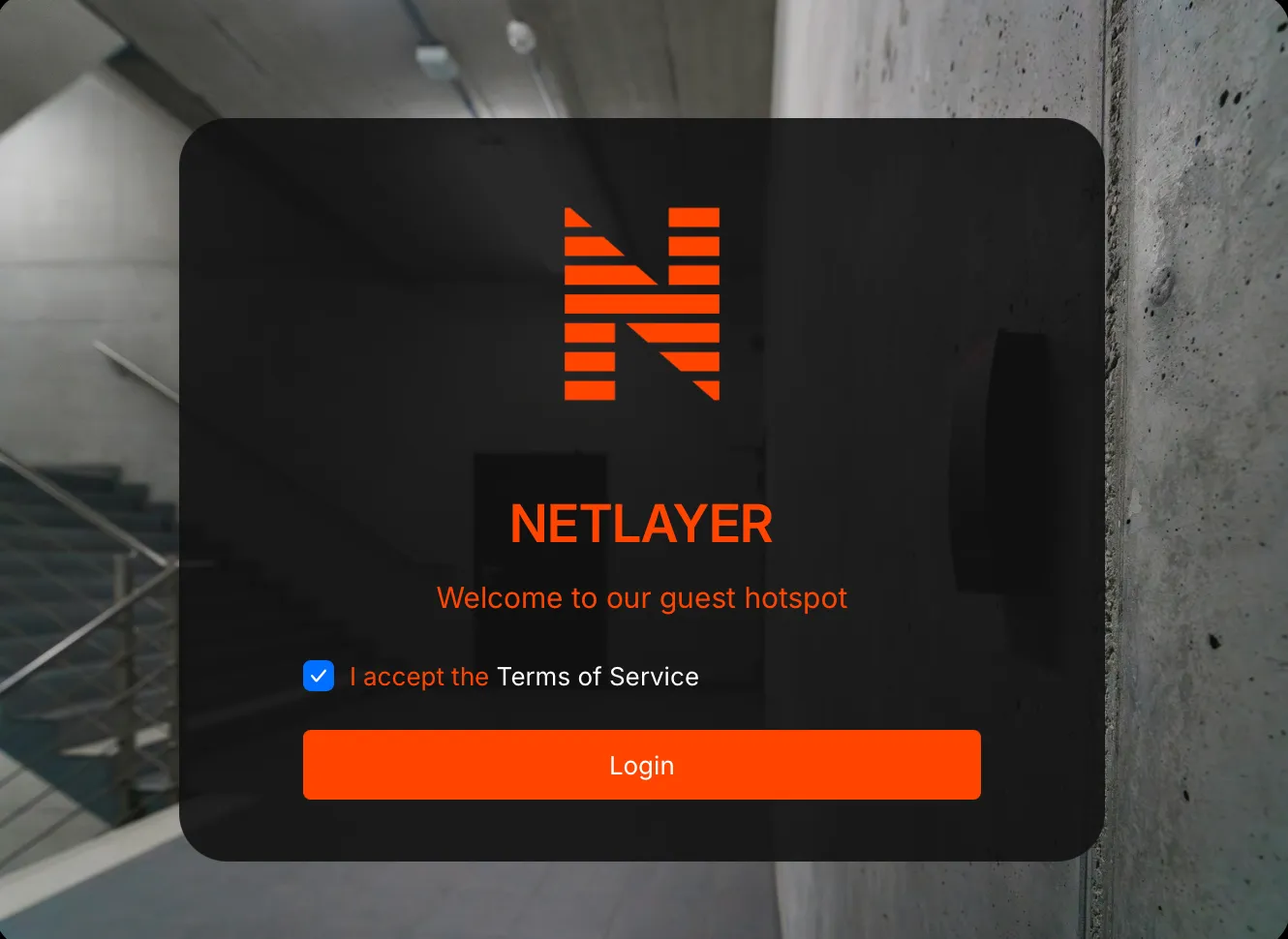
Your guest network is more than a convenience — it's a marketing channel you already own. We build branded captive portals on the UniFi platform that turn free Wi-Fi access into a sign-up: a name, an email, a marketing opt-in, in exchange for getting online.
Your logo, your colours, your message — the first thing guests see before they connect, not a generic router login screen.
Collect names and email addresses at the point of connection — built on UniFi's native Hotspot Portal, no extra hardware.
Guest sign-up runs on its own segmented network, with zero access to tills, back-office systems, or anything else on site.
Every project follows the same path — so you know what's coming, when it's coming, and what we hand over at the end.
The questions that come up on most calls. Anything else, just ask — we'd rather over-explain than under-deliver.
Wi-Fi, network infrastructure, structured cabling, CCTV, access control, and connectivity — designed and installed as one connected system, not six separate vendors.
View all services →
Dead zones and dropped calls usually trace back to one access point doing the job of three. We survey the building first, then design coverage around how it's actually used — not a generic box-count.
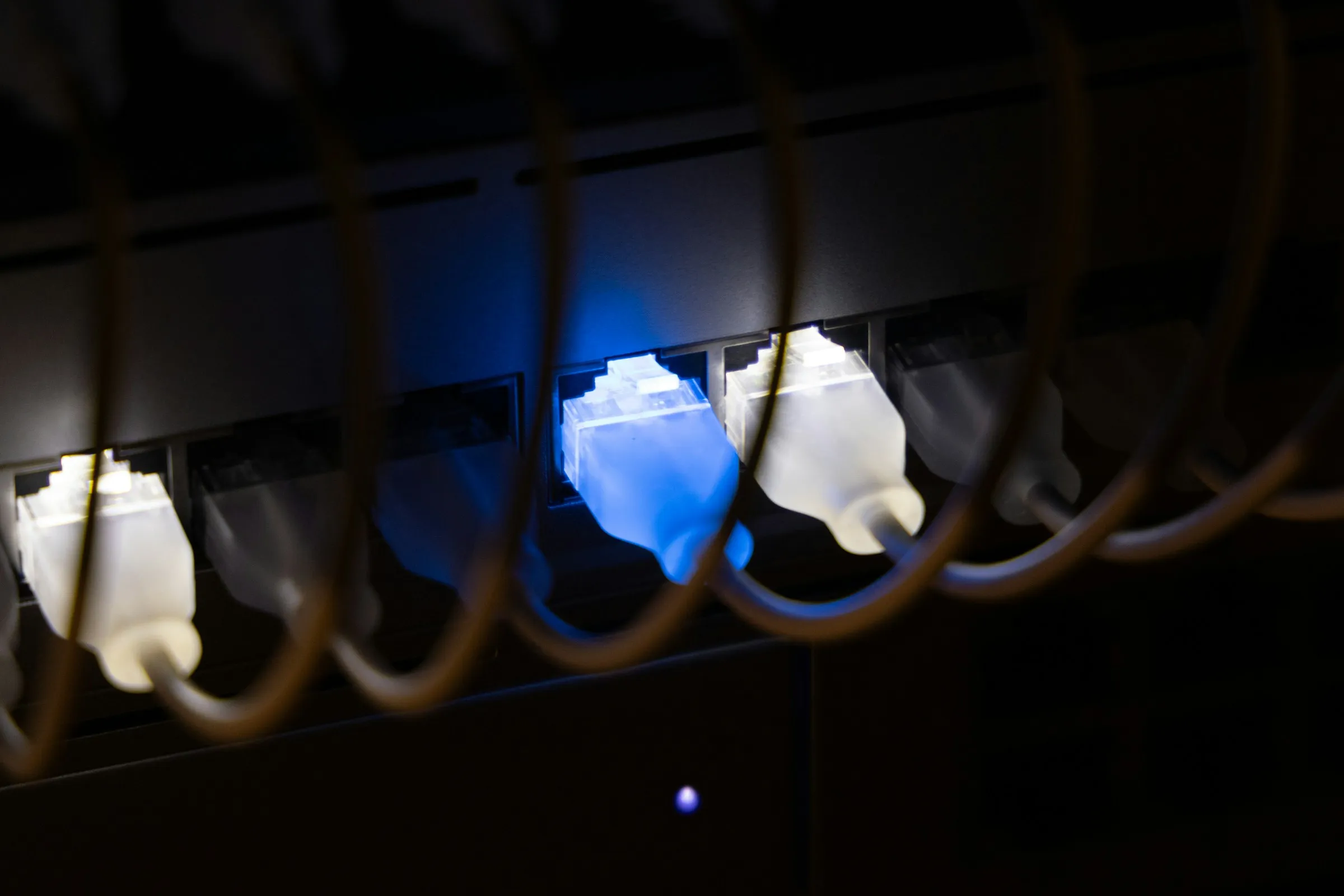
A network is only as reliable as the switch it runs through. We install managed switching and VLANs that separate what matters from what doesn't, so one bad cable doesn't take the whole site down.

A patch panel that's a mess of unlabelled cable is a problem waiting to surface at the worst time. We run structured cabling that's documented from day one, so faults get traced in minutes, not hours.
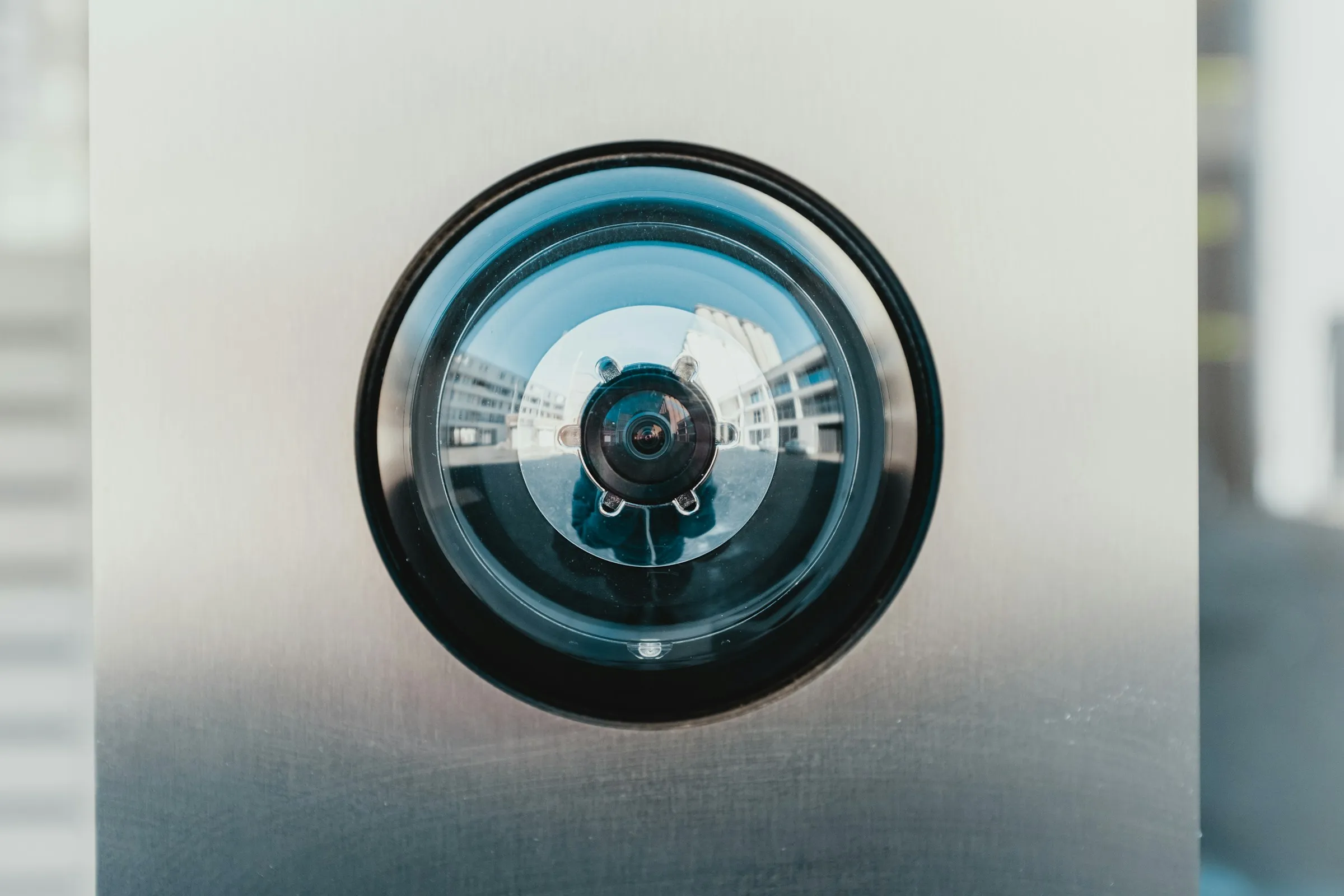
A camera that's been pointed at the wrong angle since installation isn't security, it's decoration. We design coverage that actually catches what matters, with footage you can pull up in seconds when it counts.
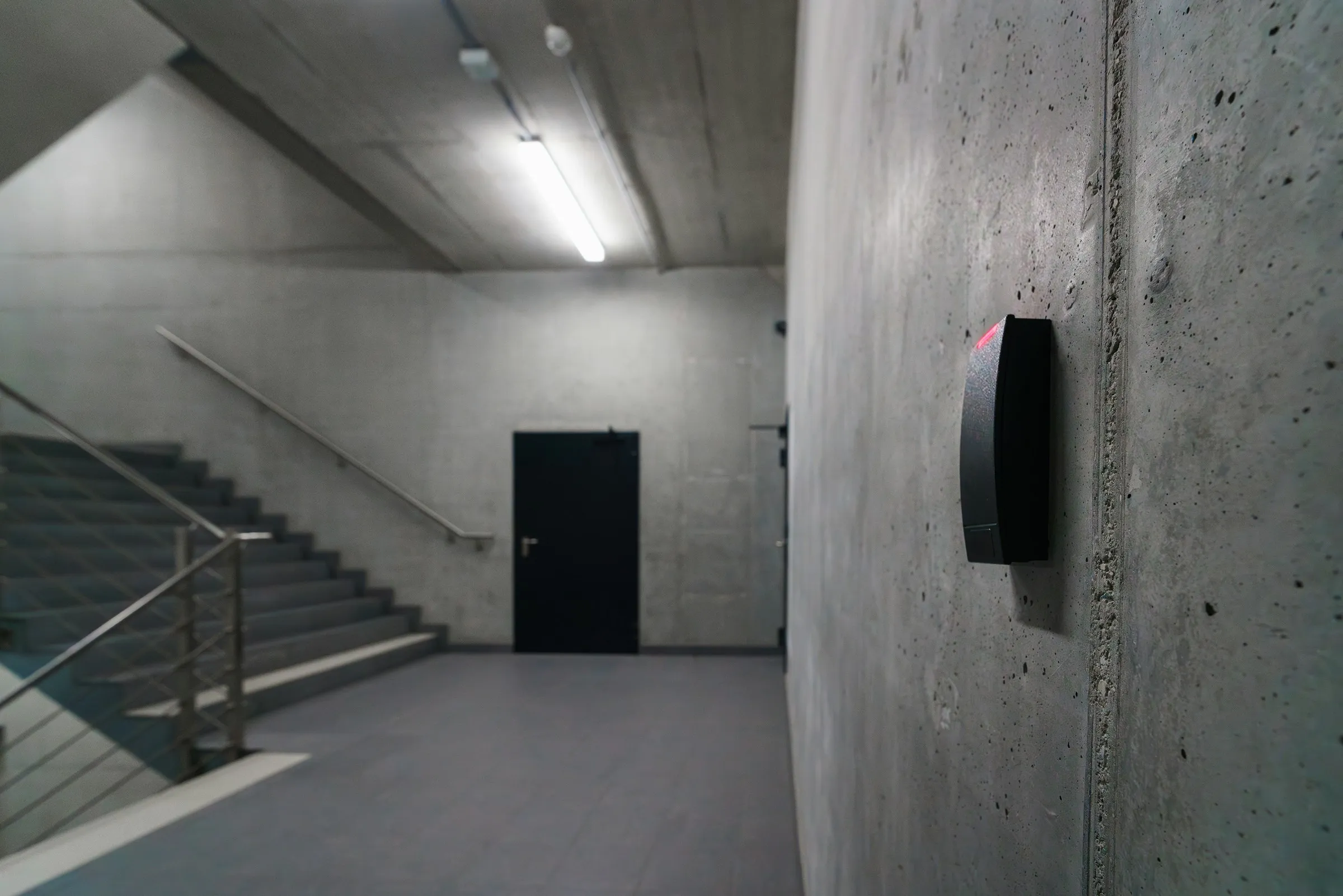
A master key that's been copied a dozen times isn't access control, it's a liability. We fit systems that show exactly who went where and when, with no spare keys floating around.

A site running on a single broadband line with no failover is one outage away from a full stop. We design connectivity with the right circuit and a backup path, so the internet going down doesn't take the business with it.

