
IP CCTV that actually records, retains, and replays when you need it.
Consumer CCTV is a cloud subscription with two weeks of retention on somebody else's server. Professional CCTV is on-site storage, encrypted remote access, and footage you actually own. We install the second kind.
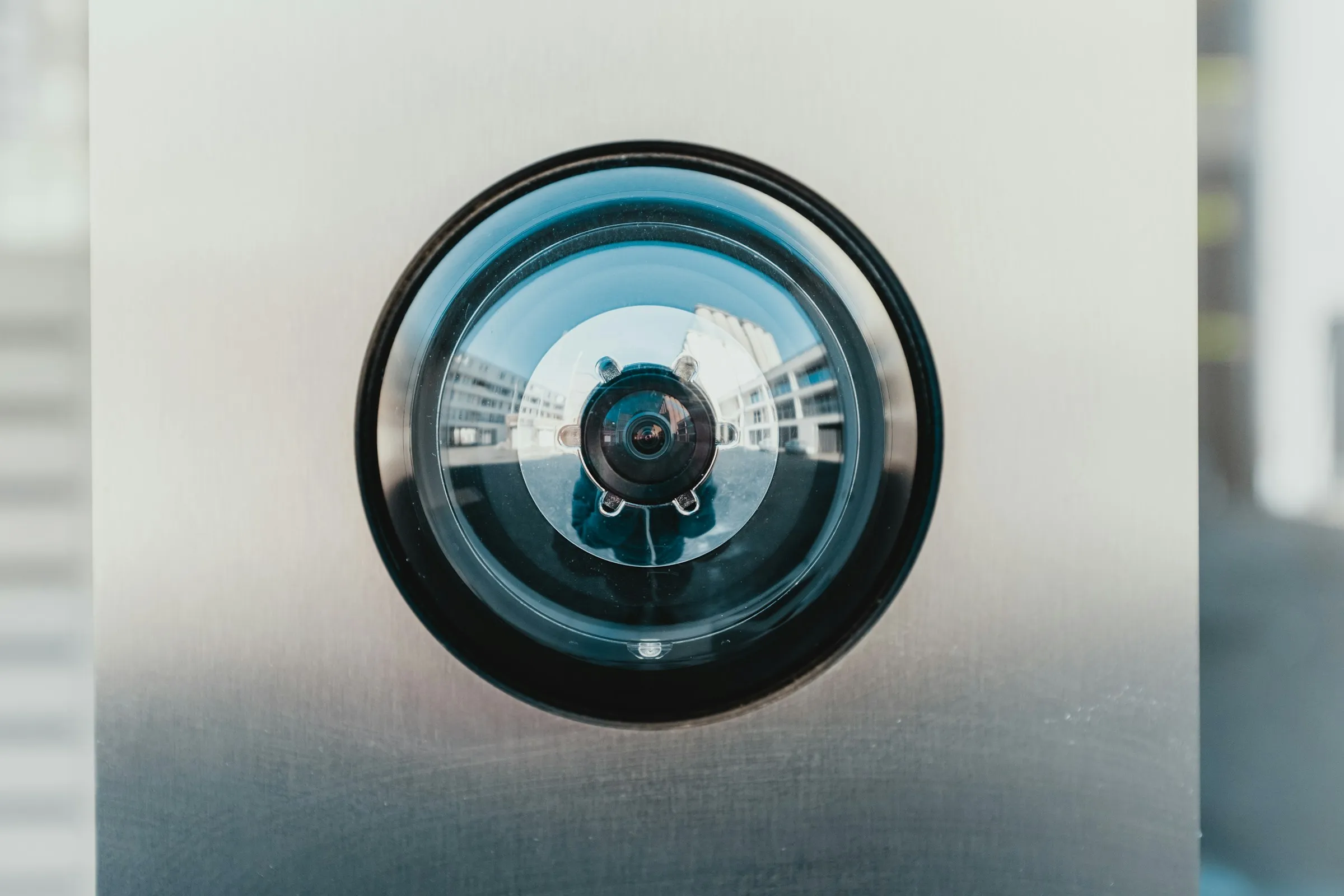
Good coverage starts with placement, not quantity. We design layouts around your actual blind spots and entry points. We install on UniFi Protect for footage you can actually search and export, with retention set to match what you'd actually need if something happened.
Walk the site, assess coverage gaps, check lighting conditions, and plan camera positions and cable routes before specifying anything.
Ceiling or wall mounted, cable-fed, PoE-powered UniFi Protect cameras — clean install, no visible cabling where it matters.
Network video recorder sized for your camera count and retention period — local storage with optional cloud backup.
UniFi Protect app configured on your device so you can check live and recorded footage from anywhere, at any time.
Camera coverage map, NVR admin credentials, app setup guide, and retention schedule handed over at completion.
CCTV is only useful when something goes wrong. Here's when it tends to fail — and what proper IP surveillance fixes.
Storage filled up, motion was misconfigured, or the NVR was offline. We size storage to your retention target and configure motion zones correctly.
Low-resolution cameras pointed at too wide an area. Proper 4K turret and bullet cameras with positioned coverage zones change that.
Or you can, but only through a sketchy third-party app. Encrypted remote view on your own NVR fixes both problems.
A compromised camera means a compromised business. Camera VLANs isolate surveillance from the rest of the site by default.
Every project follows the same path — so you know what's coming, when it's coming, and what we hand over at the end.
Walk the site, identify coverage requirements, check lighting, and plan camera positions and cable routes.
Camera spec and count, NVR and storage sizing, coverage diagram, and an itemised quote.
Cable pulls, camera mounting, and NVR installation.
Camera profiles, motion detection zones, recording schedules, remote access, and alert rules all set up and tested.
Coverage map, admin credentials, app set up on your device, and a walkthrough of how to access, search, and export footage — so you can pull what you need, whenever you need it.
The questions that come up on most calls. Anything else, just ask — we'd rather over-explain than under-deliver.
Wi-Fi, network infrastructure, structured cabling, CCTV, access control, and connectivity — designed and installed as one connected system, not six separate vendors.
View all services →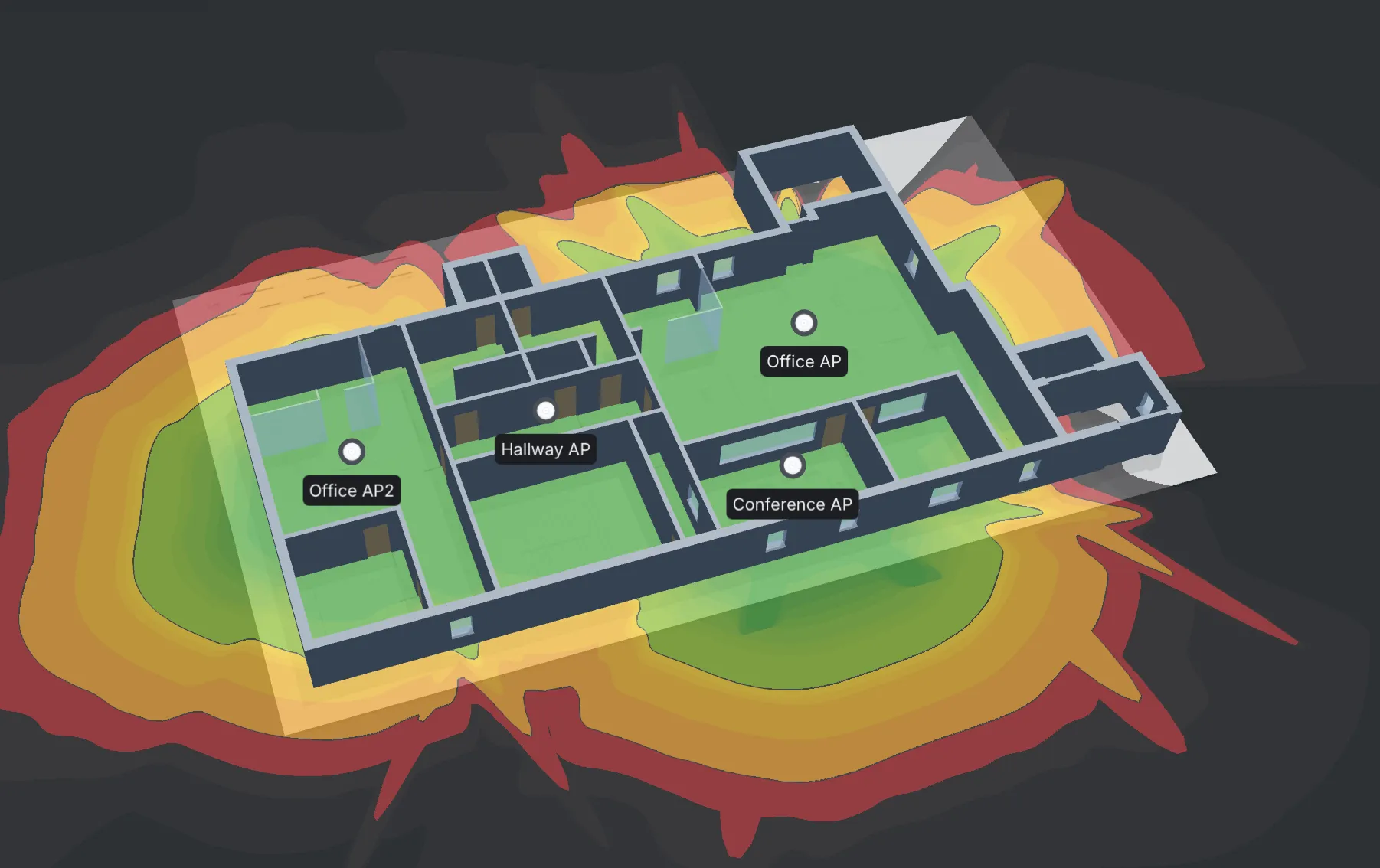
Dead zones and dropped calls usually trace back to one access point doing the job of three. We survey the building first, then design coverage around how it's actually used — not a generic box-count.
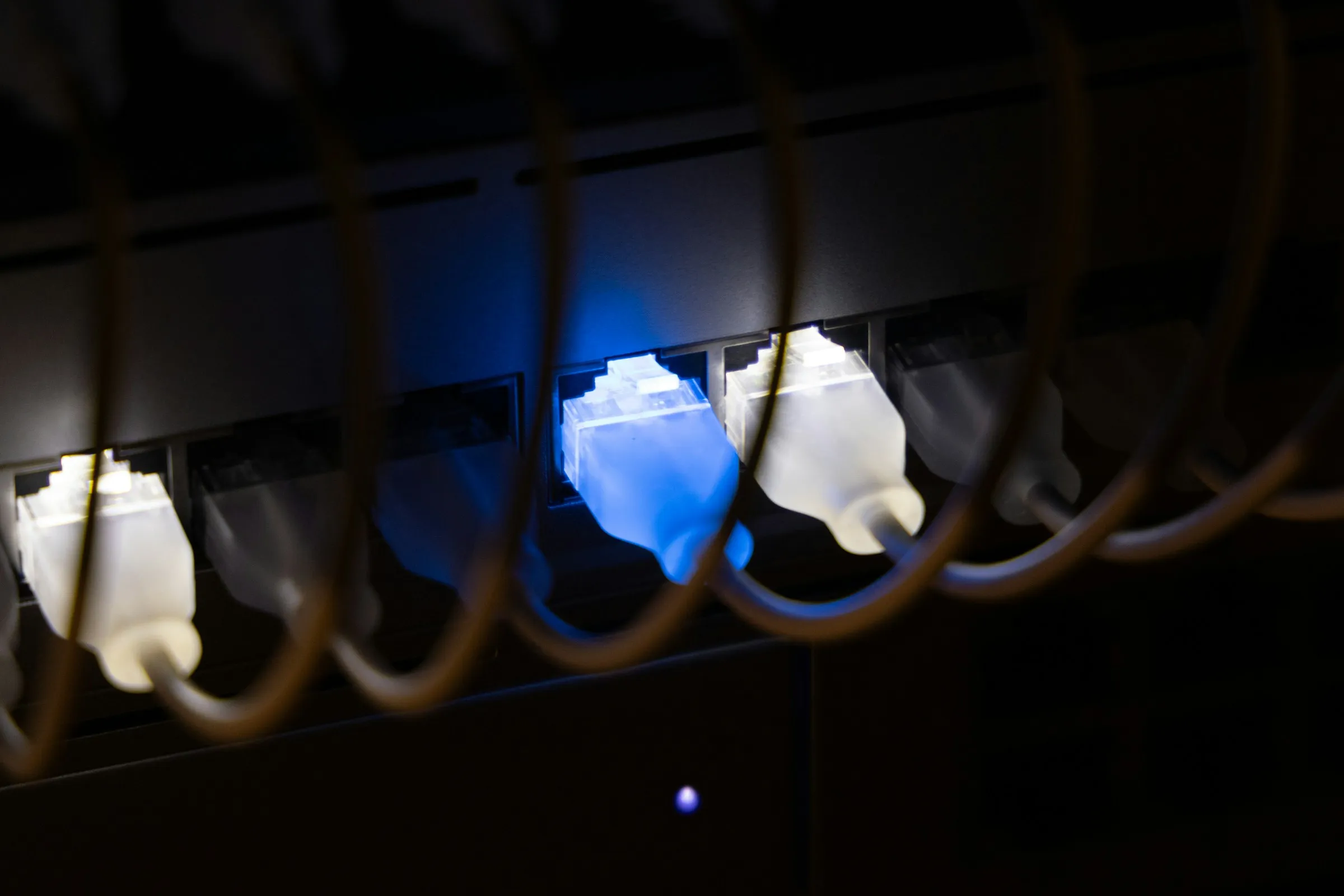
A network is only as reliable as the switch it runs through. We install managed switching and VLANs that separate what matters from what doesn't, so one bad cable doesn't take the whole site down.

A patch panel that's a mess of unlabelled cable is a problem waiting to surface at the worst time. We run structured cabling that's documented from day one, so faults get traced in minutes, not hours.
A camera that's been pointed at the wrong angle since installation isn't security, it's decoration. We design coverage that actually catches what matters, with footage you can pull up in seconds when it counts.
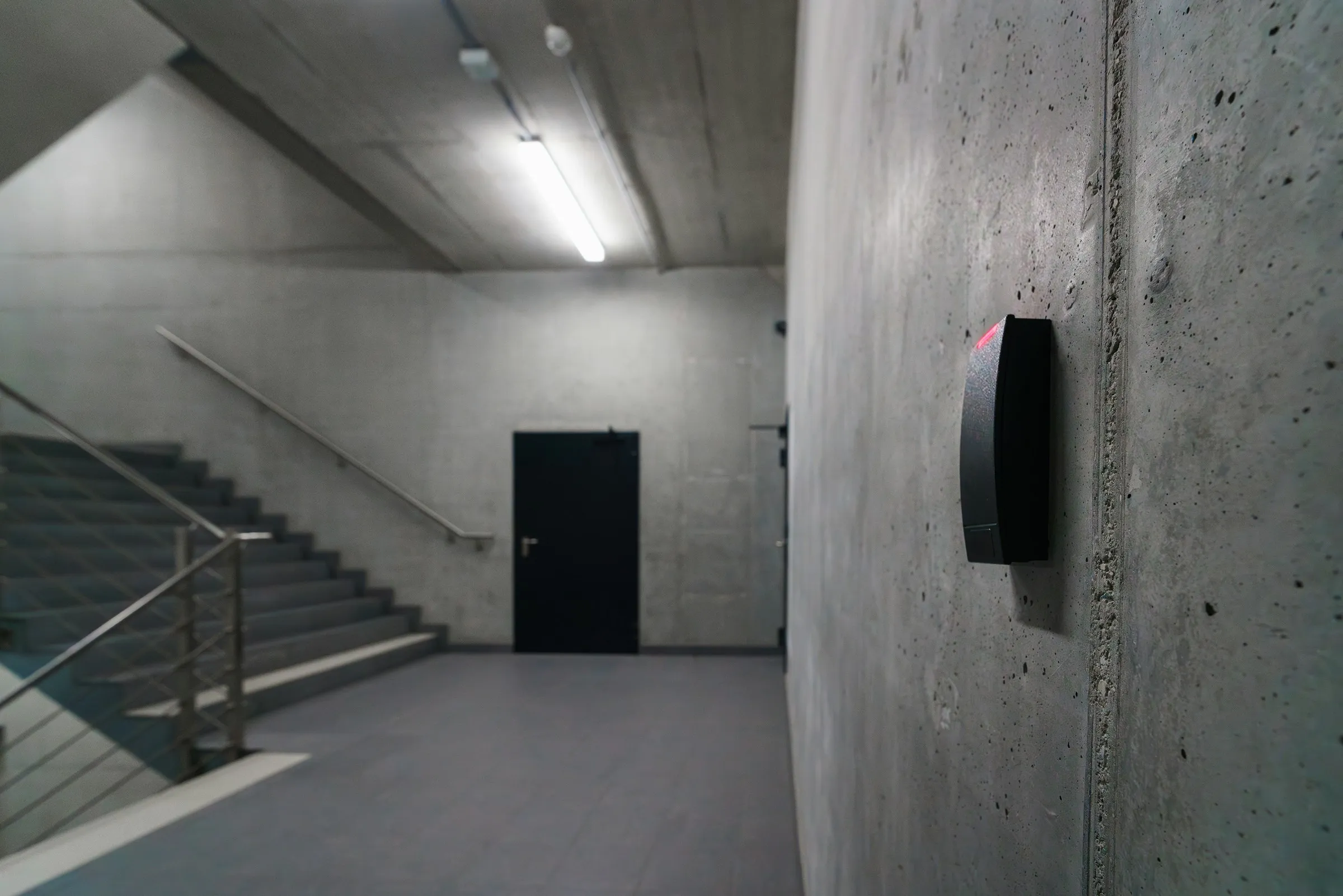
A master key that's been copied a dozen times isn't access control, it's a liability. We fit systems that show exactly who went where and when, with no spare keys floating around.

A site running on a single broadband line with no failover is one outage away from a full stop. We design connectivity with the right circuit and a backup path, so the internet going down doesn't take the business with it.

